
Seal Shades — Preview
These are the grayscale seal variants used for Registry-ID imprint seals. Choose the best contrast for your cover background. You can verify any Registry-ID publicly at verify.authorimprint.com and manage seal/certificate downloads in the client portal at portal.authorimprint.com.
Tip: If your cover is dark, choose a lighter seal. If your cover is light, choose a darker seal.
The Registry-ID printed on the seal should remain readable at thumbnail size.
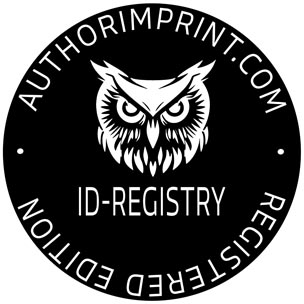
ID1 — Black
Best for very light covers and high contrast backgrounds.
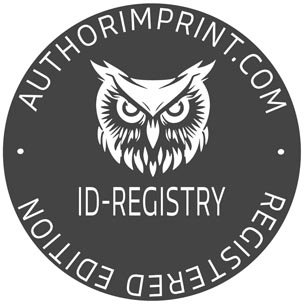
ID2 — Dark Gray
Strong contrast without full black; good for light covers.
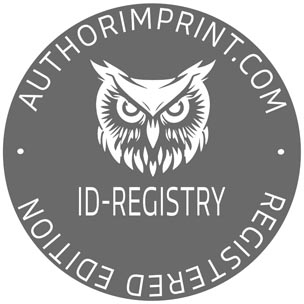
ID3A — Medium Gray
Balanced tone for mixed backgrounds and mid-tone covers.
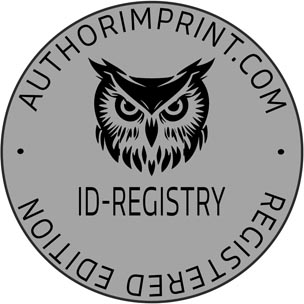
ID3B — Medium Gray (Alt)
An alternate mid-gray option for different cover palettes.
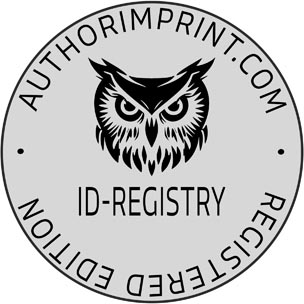
ID4 — Light Gray
Good for darker covers when you want a softer imprint look.
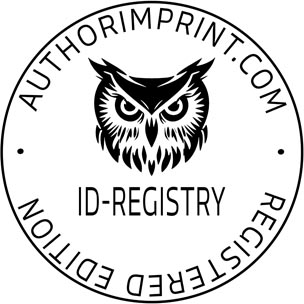
ID5 — White
Best for dark covers; maximum readability on dark backgrounds.